Best crypto hardware wallet: top security picks for 2025
The “best crypto hardware wallet” question usually arrives after someone has already felt the user friction of self-custody: a browser extension asks for one more signature, a Discord link looks…
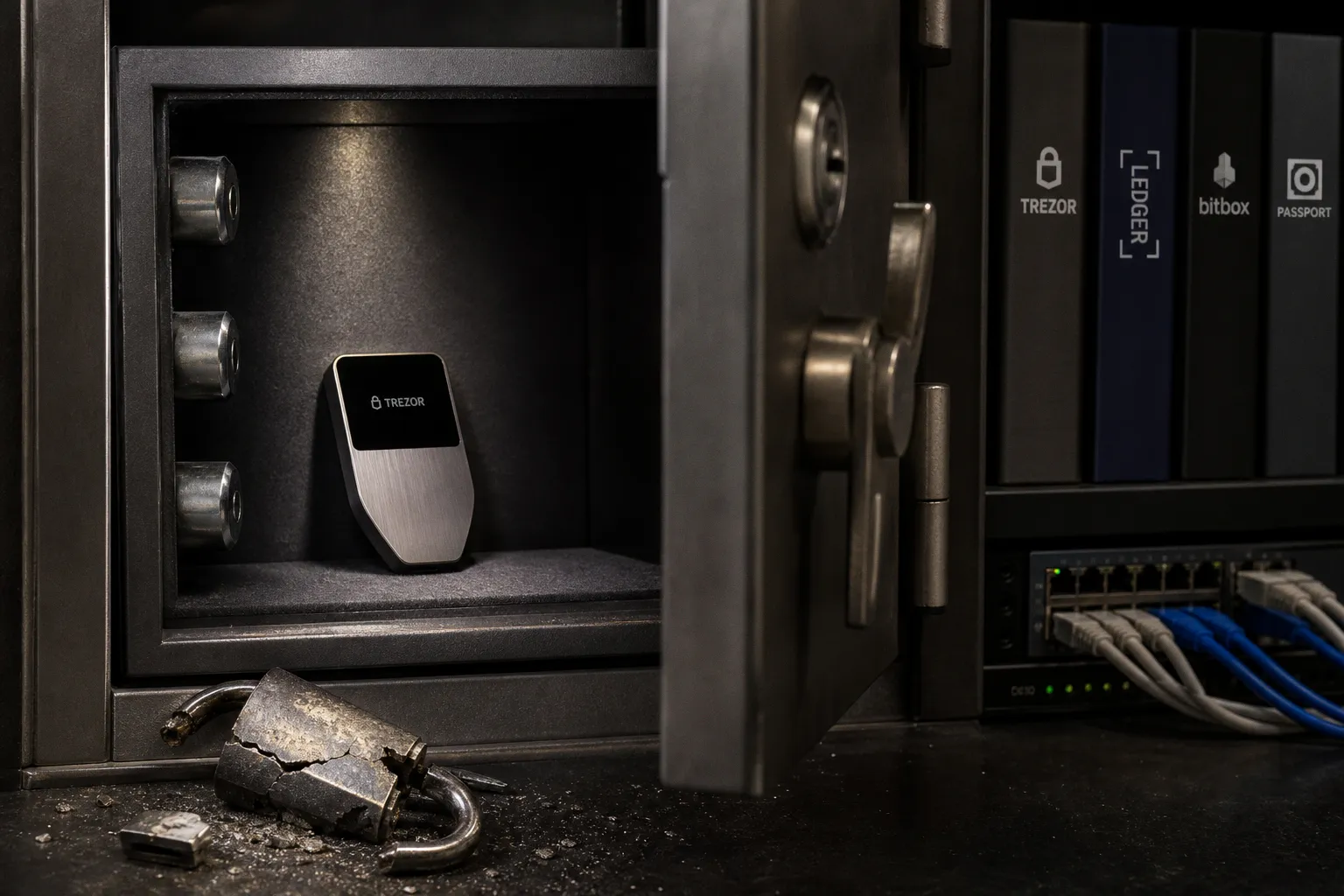
The “best crypto hardware wallet” question usually arrives after someone has already felt the user friction of self-custody: a browser extension asks for one more signature, a Discord link looks almost plausible, or a DAO treasury suddenly feels too large to leave behind a hot-wallet login.
There is no universal winner. There are only wallets that fit different threat models, asset mixes, backup habits, and tolerance for operational complexity. A secure element matters. So does the screen you actually read. So does whether your backup plan survives a lost device without turning recovery into a family scavenger hunt.
For 2025, four devices illustrate the trade-offs especially well: Trezor Safe 5, Ledger Flex, BitBox02 Bitcoin-only, and Passport Core. The final one needs a lifecycle asterisk: Foundation announced Passport Core’s discontinuation on March 27, 2026, while saying support and security updates would continue. It remains useful as a reference point for air-gapped design, not a straightforward new-buy recommendation.
Security architecture: what EAL6+ does — and does not — tell you
The first thing people see in a hardware-wallet comparison is often the secure-element rating. That is understandable. A secure element is designed to hold sensitive secrets and resist certain physical attacks better than a general-purpose microcontroller alone.
Both the Trezor Safe 5 and Ledger Flex use secure elements described by their manufacturers as EAL6+ certified under Common Criteria. Trezor’s chip is NDA-free, an unusual and meaningful choice for users who care about auditability and open development. Ledger’s architecture places encrypted data in its secure element under Ledger OS, with its E Ink display driven directly by that chip.
That is serious hardware. It is not a magic adjective that certifies every line of firmware, every companion app screen, every transaction parser, or every supply-chain step.
In practical community governance terms, this distinction matters. A wallet can be excellent at resisting extraction of a private key from a stolen device while still showing a user a transaction they fail to inspect. The first problem is a lab problem. The second is the much more common real-world problem.
A secure element protects a secret. It cannot make a rushed signature become a careful decision.
Trezor Safe 5 takes a relatively transparent route. It pairs the secure element with on-device PIN and passphrase entry, plus a touchscreen that makes entering sensitive information less dependent on a connected computer. Ledger Flex leans into an integrated secure-element architecture and a larger signing surface.
BitBox02 Bitcoin-only uses a different blend: an ATECC608B secure chip, password entry on the device, and signed-firmware enforcement through its bootloader. Its secure chip includes a counter intended to limit brute-force attempts. The seed is encrypted on the device’s microcontroller and protected through the secure chip and the device password.
None of these approaches eliminates judgment. They distribute trust differently — between proprietary and open components, between a companion application and the device, between simplicity and configurable control.
| Security dimension | Trezor Safe 5 | Ledger Flex | BitBox02 Bitcoin-only |
|---|---|---|---|
| Secure-element approach | NDA-free EAL6+ Secure Element | CC EAL6+ Secure Element with Ledger OS | ATECC608B secure chip |
| Sensitive input | PIN and passphrase on touchscreen | Confirmation on 2.8-inch E Ink touchscreen | On-device password entry |
| Firmware protection | Bootloader verifies firmware signatures | Ledger OS architecture and device verification flow | Signed firmware enforced in bootloader |
| Asset focus | Broad multi-asset use | Broad multi-asset use | Bitcoin-only |
| Backup direction | 12, 20, 24 words or multi-share backup | Standard recovery-phrase workflow | Encrypted microSD backup option plus recovery setup |
The useful question is not “which chip has the better acronym?” It is: what can an attacker do if they have my device, my laptop, a fake support identity, or access to the place where I stored my backup?
The screen is a security feature, not a luxury feature
A hardware wallet earns its keep at the final moment of a transaction: when it shows the destination, amount, network, and approval details independently from the computer or phone initiating the action.
That is why screen design is part of cold storage security, not merely product polish.
Ledger Flex has a 2.8-inch E Ink touchscreen. It is a meaningful advantage for users who move across multiple chains, deal with token approvals, or regularly inspect long addresses. A larger display will not decode every opaque smart-contract call into plain English. But it lowers the friction of reading what the device can show. In everyday custody, lower friction is not superficial. It makes the secure behavior more likely.
Trezor Safe 5 has a 1.54-inch, 240 × 240 touchscreen. It is smaller, but the important interaction is still on-device: PIN and passphrase entry do not need to travel through the host machine. That reduces one category of exposure for users who do not want sensitive inputs passing through a laptop keyboard.
BitBox02 Bitcoin-only is almost the opposite philosophy. It is compact — 54.5 × 25.4 × 9.6 mm and 12 grams — with a 128 × 64 pixel display, USB-C, and a narrower mission. It does not attempt to be the one device for every new token, governance credential, and NFT ecosystem. For a Bitcoin holder who wants to reduce the attack surface created by “just one more app,” that restraint is part of the appeal.
Passport Core, while it was actively sold in 2025, made the air-gapped argument more explicitly. It communicated through camera-based QR codes and microSD, without USB data, Bluetooth, or wireless communication. It also used a removable 1,200 mAh battery and described both hardware and software as fully open source.
Air-gapped signing has a strong cultural pull in Bitcoin circles. It creates a visible boundary: the signer does not plug into the online machine. That is valuable for some setups. It is not automatically safer in every workflow. QR transfer can introduce its own review burden, while USB can be entirely workable when the device, firmware, and transaction-confirmation flow are well designed.
The real test is boring and reliable: can you verify the exact action without guessing?
For someone signing an occasional Bitcoin withdrawal, a focused device with a modest screen may be ideal. For someone operating a multi-sig treasury or routinely navigating multi-chain governance, a larger screen can be the difference between checking the transaction and waving it through.
Ledger vs. Trezor is really a workflow comparison
The ledger vs trezor comparison gets flattened into a brand argument far too often. In actual use, the choice is less tribal.
Trezor Safe 5 is a strong fit for users who value an open-development posture, touchscreen-based sensitive entry, and flexible backup configurations. Its Advanced Multi-share Backup option gives users a way to distribute recovery responsibility across multiple shares rather than preserving one all-powerful phrase in one location.
Ledger Flex is compelling for a user whose digital ownership spans many assets and who wants a large, readable device display. Its E Ink screen is the product decision that matters most in day-to-day practice. If someone is interacting with unfamiliar token contracts, approving a governance transaction, or moving assets across networks, visual confirmation is where good security becomes usable security.
There is a catch for the hardware wallet for altcoins crowd: wider asset support can mean a wider behavioral surface. More chains, more interfaces, more contract formats, more approval prompts, more chances for a wallet drainer to package a dangerous request in a familiar-looking flow.
A hardware wallet can keep a private key out of a browser extension. It cannot guarantee that an on-chain permission is harmless.
This is the uncomfortable UX reality underneath the promise of “secure storage.” For straightforward sends and receives, hardware signing is clear. For DeFi, staking dashboards, NFT marketplaces, and DAO tooling, the device may not be able to express every contract effect in language a human can properly assess. The signature is authentic; the intent may still be wrong.
That is why I separate assets by behavior rather than by portfolio size:
1. Long-term holdings need an intentionally boring path. A Bitcoin-only device like BitBox02 can make sense when the goal is simply to receive, verify, and occasionally send. Fewer integrations can mean fewer moments of confusion.
2. Multi-asset holdings need readable confirmation. Ledger Flex and Trezor Safe 5 are better suited to users who genuinely need several networks. The key is to avoid treating broad support as an invitation to connect the wallet everywhere.
3. Active DeFi needs containment. Keep a smaller, explicitly risk-bearing wallet for dApps and experimental governance. Let the hardware wallet protect the long-term core rather than turning it into a daily browser-wallet extension.
4. Shared funds need process, not heroic self-custody. A DAO or community treasury should not rely on one person’s hardware wallet and one person’s memory. Multi-signature policy, signer rotation, recovery documentation, and transaction review habits matter as much as the brand of device.
The best wallet is usually the one that lets you say “no” to a bad signature before it becomes an irreversible group problem.
Seed phrase backup is where self-custody becomes real
Most losses in self-custody do not begin with a sophisticated chip-level attack. They begin with a recovery phrase photographed for convenience, copied into a notes app, typed into a fake recovery page, or stored in a place that becomes inaccessible after a move, a flood, or a family emergency.
A secure seed phrase backup is not a side quest after wallet setup. It is the custody system.
BIP-39 remains the widely deployed standard behind mnemonic recovery phrases. It starts with 128 to 256 bits of entropy in 32-bit increments and derives a 512-bit seed using PBKDF2-HMAC-SHA512 with 2,048 iterations. The math matters less to most users than the operational consequence: those words can recreate the wallet. Anyone who obtains them has a route to the assets, even without the original device.
The rules are uncompromising:
- Never photograph a recovery phrase.
- Never put it in cloud storage, email, a password manager, or a phone note.
- Never enter it into a website, browser extension, support chat, QR code flow, or desktop pop-up.
- Only enter it directly into the hardware wallet when recovery is genuinely required.
- Treat an unexpected request for the phrase as a theft attempt, even if it arrives through polished branding, a mailed letter, or a convincing support account.
Ledger has repeatedly warned about phishing campaigns that use fake apps, messages, QR codes, and even physical letters to solicit recovery phrases. This is the critical point for anyone new to cold storage: a hardware wallet does not neutralize seed-phrase phishing. The device can be authentic and the compromise can still happen entirely through social engineering.
Trezor Safe 5 supports 12-, 20-, and 24-word backups, plus Advanced Multi-share Backup. That latter option uses a multi-share model aligned with the logic behind SLIP-0039, a standard designed to allow Shamir-style mnemonic shares created in one compatible implementation to be restored in another compatible implementation.
Multi-share backups can be powerful. They can also create a fragile recovery ritual if the owner has not documented the threshold and storage plan. Splitting three shares between three locations sounds resilient until the person who needs to recover does not know whether two shares are enough, which format was used, or whether a passphrase was also involved.
A sane backup design answers four mundane questions before disaster does:
- What exactly is required to restore the wallet: words, shares, a passphrase, or some combination?
- Where are the materials stored, and can one local event destroy all of them?
- Who can access them if the owner is unavailable?
- Has recovery been tested with a small balance and a documented process?
That final point deserves more respect in the crypto community. People test trading strategies with tiny amounts. They should test recovery procedures the same way.
Supply chain, firmware, and the first ten minutes
The security story starts before a device is powered on.
Trezor advises buyers to purchase through its official shop, its Amazon storefront, or authorized resellers. It also warns against using a device that arrives with firmware already installed during setup. Its bootloader verifies firmware signatures, and unofficial firmware triggers an on-screen warning.
That may sound like setup trivia. It is not. A hardware wallet is a physical security product entering your custody chain. An already configured device, a pre-filled recovery card, a “helpful” insert asking you to verify your phrase online — these are not normal conveniences. They are red flags.
The same principle applies across brands: initialize the device yourself, generate the recovery material yourself, and verify the device’s authenticity through the vendor’s official flow rather than a link found in an ad, message, or search result.
The first ten minutes should feel slightly repetitive. That is healthy. Security products are allowed to be less charming than social apps. The objective is not instant onboarding; it is to establish that no one else had a chance to choose, copy, or observe the keys.
For organizations, this becomes a compliance and operational issue rather than a personal preference. If a team holds customer assets, protocol reserves, or community funds, it needs a written record of who procured devices, how they were initialized, which firmware policy applies, and how signers are replaced. A cold wallet in a drawer is not custody governance.
The limits of hardware protection
The marketing promise around hardware wallets is usually directionally right: keep private keys away from internet-connected general-purpose devices. But the promise ends there.
A hardware wallet cannot stop every crypto theft scenario. It cannot:
- reverse a transaction sent to the wrong address;
- prevent a user from approving a malicious token allowance;
- make a confusing smart-contract interaction fully legible;
- protect a recovery phrase that has been exposed;
- fix a compromised computer that manipulates what a user sees before confirmation;
- replace basic phishing defenses, software updates, or a separation between long-term storage and daily dApp activity.
The last two are especially relevant now because Web3 culture has normalized constant connection. Wallets are asked to be identity cards, voting keys, game inventories, payment accounts, social profiles, and treasury signers all at once. The incentives push toward convenience. The risk model says to compartmentalize.
For most people, the strongest upgrade is not swapping a good hardware wallet for a slightly more impressive one. It is changing the operating habit:
- Use a dedicated wallet for high-value storage.
- Use a separate wallet with limited funds for dApps and experimental protocols.
- Read every device confirmation, particularly approval and blind-signing prompts.
- Keep recovery materials offline and out of the hands of “support.”
- Update firmware through official software, with time to verify what is changing.
- Do not let urgency — an airdrop deadline, a governance vote, a liquidation warning — override the verification step.
This can sound less exciting than debates over open source crypto wallets or air gaps. It is also where most users actually regain control.
A note on discontinued models and long-term ownership
Passport Core deserves an explicit note because hardware wallets are not just products; they are long-lived security dependencies.
In 2025, it represented a distinctive Bitcoin-only approach: camera and microSD communications, no USB data or wireless links, a Microchip 608B secure element, and fully open-source hardware and software. For users who wanted a visibly separated signing environment, it made a coherent case.
But Foundation announced the model’s discontinuation on March 27, 2026, while stating that support and security updates would continue. That does not make every existing Passport Core unsafe. It does mean a prospective buyer should be cautious about buying discontinued hardware as a default recommendation.
Lifecycle risk is underrated in crypto custody. A device can be beautifully designed, well reviewed, and still become harder to source, replace, or integrate over time. The durable asset is not the hardware itself. It is your ability to restore access using a well-understood, securely stored backup.
That is another reason standards matter. BIP-39 and SLIP-0039 are not glamorous, but interoperable recovery formats reduce the risk that your custody plan becomes trapped inside one company’s product cycle.
So which hardware wallet is the best?
For a user who wants a thoughtful multi-asset cold-storage device with on-device passphrase entry and flexible backup options, Trezor Safe 5 is one of the strongest 2025 choices.
For a multi-chain user who values a large, readable screen and an integrated secure-element design, Ledger Flex is a serious contender — especially when transaction review is a frequent part of the workflow.
For a Bitcoin-focused holder who prefers a compact device, microSD backup support, signed firmware, and a deliberately narrow surface area, BitBox02 Bitcoin-only is a compelling fit.
Passport Core remains relevant as an example of the air-gapped Bitcoin signer model, but its discontinuation means it should be evaluated as an existing-owner device, not casually placed at the top of a fresh purchasing list.
The best crypto hardware wallet is not the one with the loudest security slogan. It is the one whose transaction verification, backup model, and maintenance burden match the way you actually hold and use digital ownership.
The next adoption question is not whether more people will buy hardware wallets. It is whether wallets, dApps, and governance communities can make the safe path feel natural enough that users take it before the first phishing message arrives.